


A mouse and keyboard combo pack is a great way to get your hands on a mouse and keyboard quickly. The combination may even be more economical than purchasing both input devices separately. So here’s a look at some of the best mouse and keyboard combos available on Chroma. Note that all of the ones mentioned below are wireless. So you won’t even have to worry about cords taking up your desk space.
Things to consider when considering a mouse-keyboard combo
Ergonomics: The most important thing when buying a mouse or keyboard is ergonomics. Considering the fact that you will be using these two for hours, you should get one that is comfortable to use.
Backlighting: Backlighting is very important when it comes to keyboards. The good backlighting will ensure that you can see what you are typing even in the dark. Some keyboards may also offer variable backlight brightness. So that you can tweak things according to your need.
DPI: A common way to tell how sensitive a mouse is is to look at the DPI numbers. A higher DPI means that the mouse is more sensitive to small movements. This won’t really affect most users, but could be very important if you’re planning on gaming.
Numpad: The Numpad can be a very versatile addition to a keyboard, especially if you work with numbers a lot. However, getting a keyboard without the Numpad can help you save some space on your desktop.
Best wireless mouse-keyboard combos to consider, Chroma
logitech wireless keyboard and mouse combo
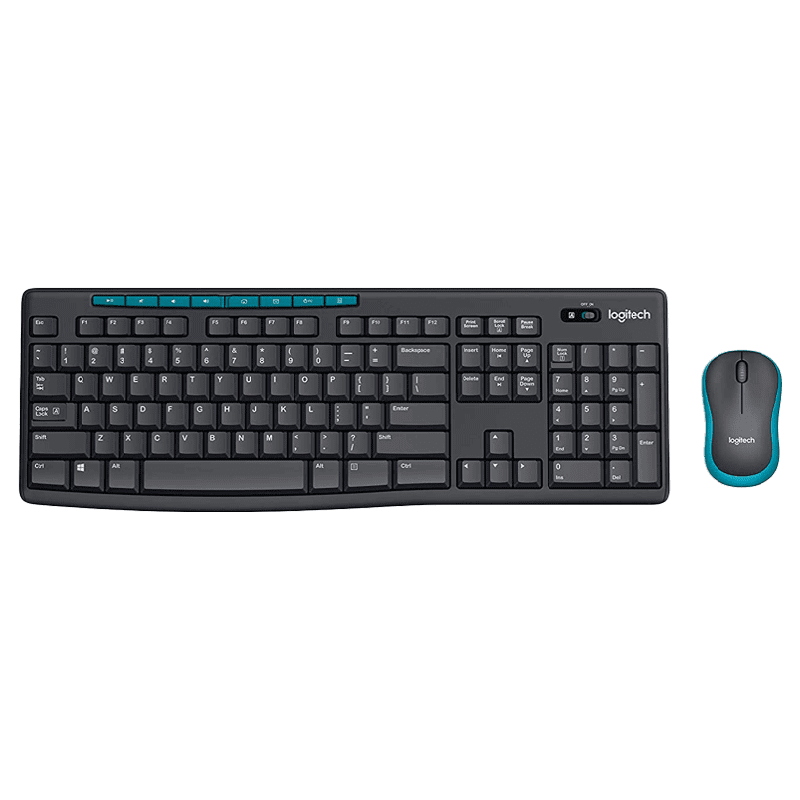
This wireless keyboard and mouse combo from Logitech is quite a lot. It uses a single Logitech Nano-Receiver to connect the mouse and keyboard. This means that it only takes up one USB port. Pairing it with a Windows PC is also quite easy as users just need to plug it in. There are eight hot keys on the keyboard to access Movies, Music, Internet, Email, Volume, Play/Pause and more. The keyboard has a battery life of two years while the mouse has a battery life of one year.
HP CS10 Wireless Multi-Device Keyboard and Mouse Combo
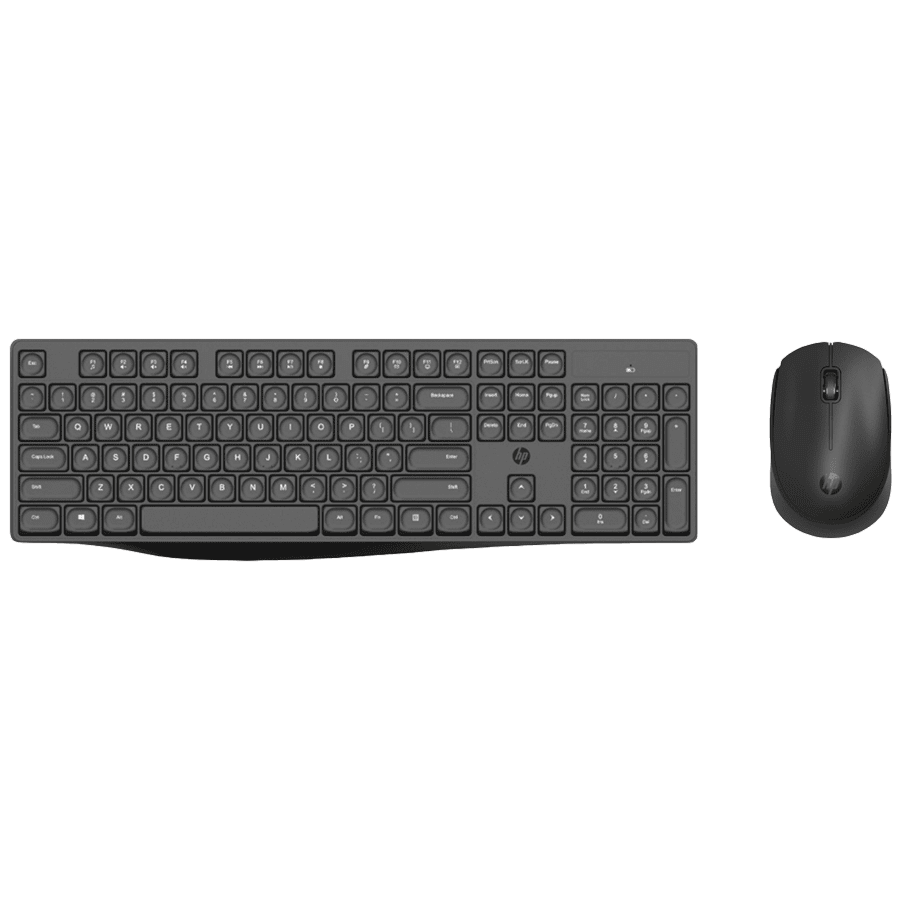
HP’s mouse and keyboard combo is powered by AAA batteries. This makes it easy to replace the battery when needed. Both the devices are designed to be compact. The mouse is quite small and will easily fit on the palm of the user which means that the user can carry the mouse around and use it with their laptop when needed.
dell wireless optical keyboard and mouse combo
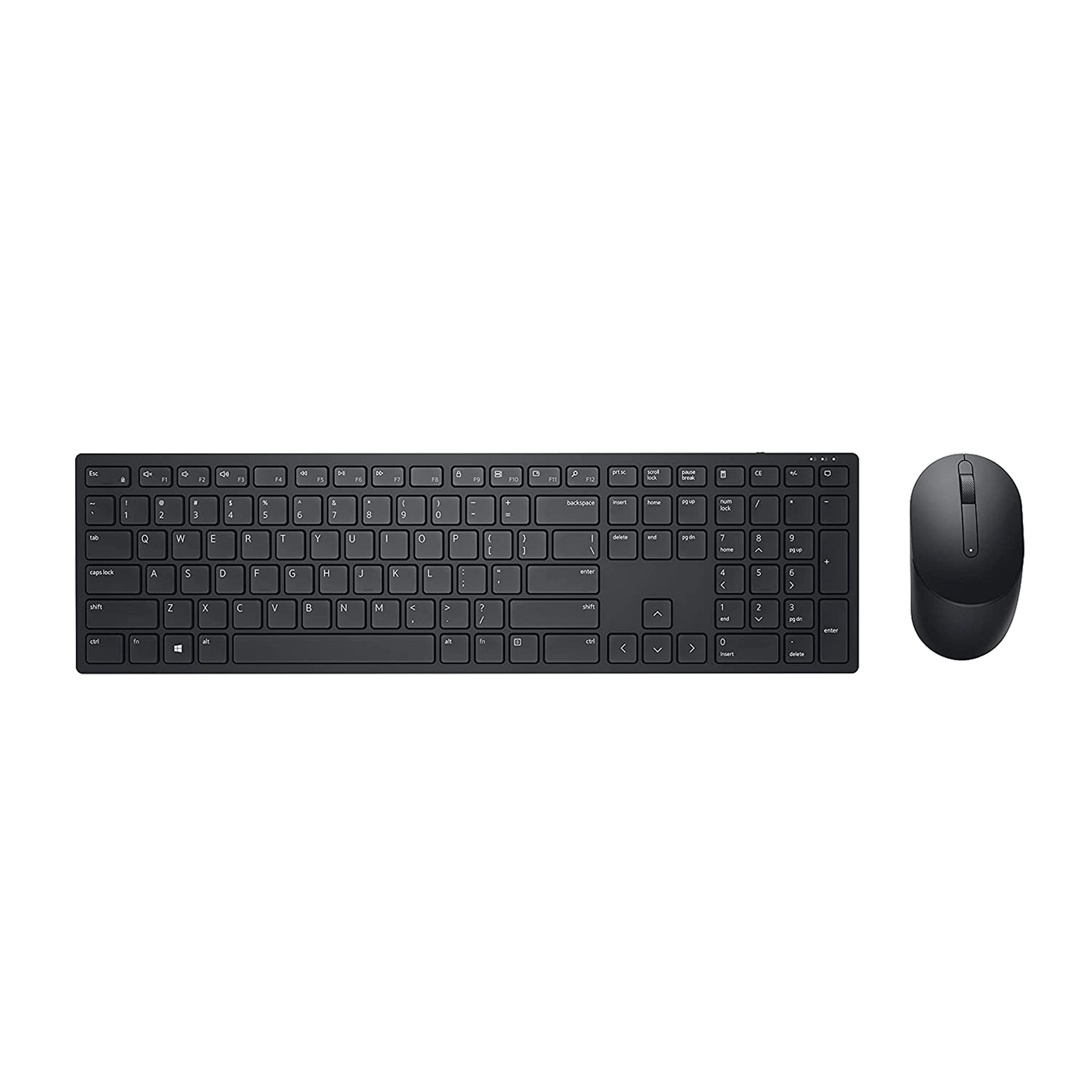
This Dell combo is full of features according to its price. It includes a battery indicator, which will let users know when they should replace the battery. However, it will take some time as both the devices are said to offer very long battery life. It should also be noted that the mouse in this combo comes with a programmable scroll wheel.
Logitech MK220 Wireless Keyboard and Mouse Combo
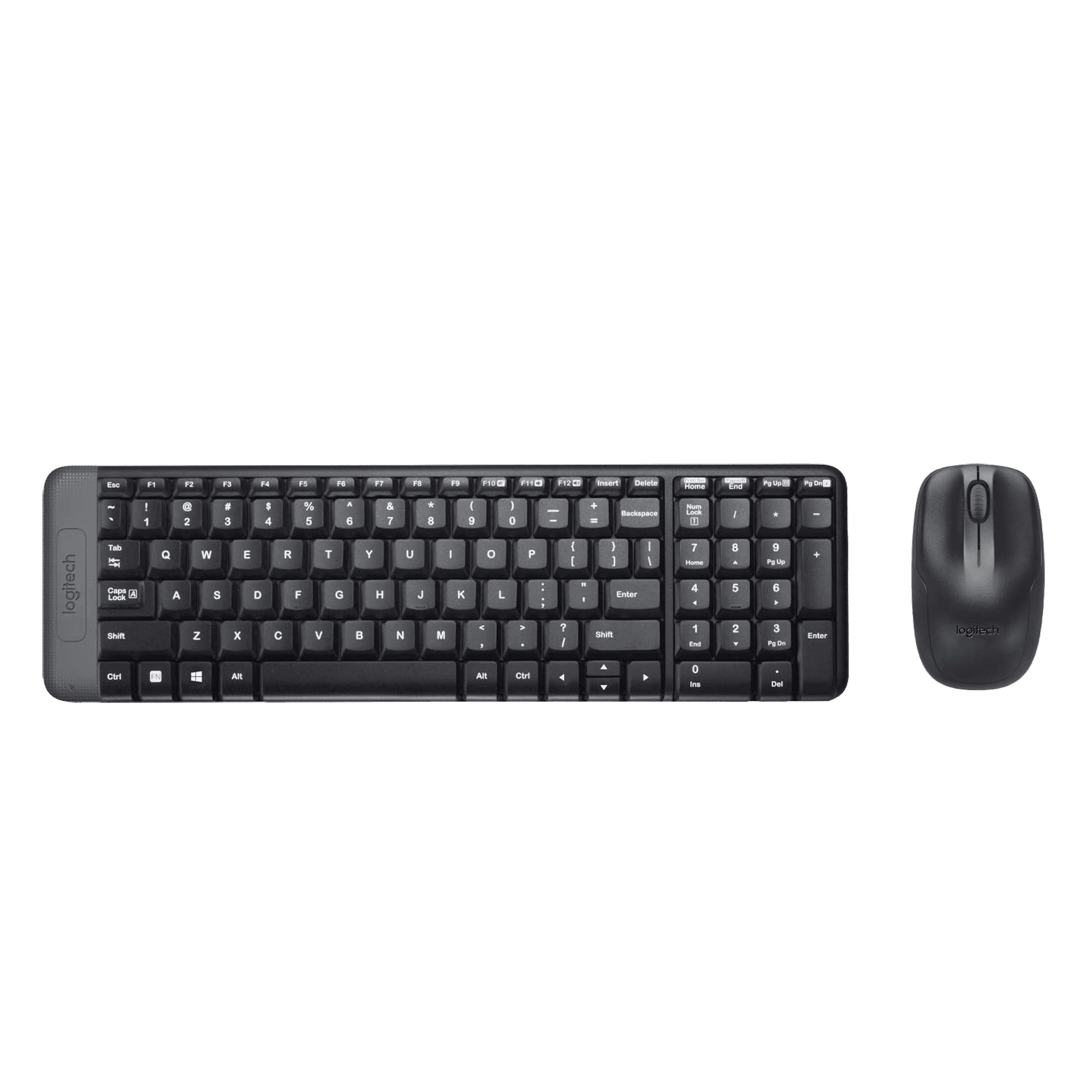
This combo from Logitech is another great option for the users. For starters, the combo is very well priced, which means it’s accessible to a lot of people. Also, users get a very long battery life. The keyboard has a battery life of two years, while the mouse promises five months of use. It should be noted that users can also connect the two to their computer via USB if they wish.
logitech wireless keyboard and mouse combo
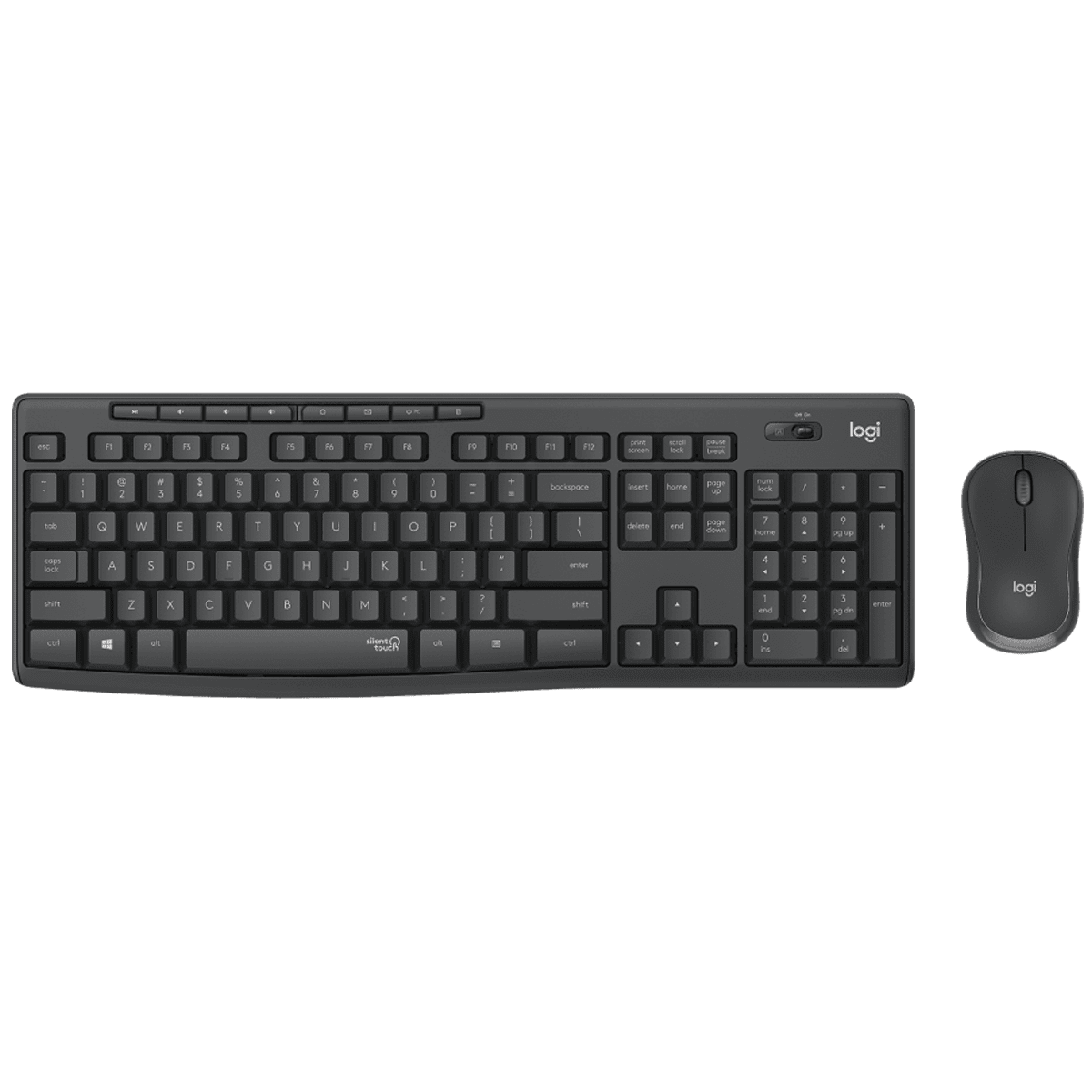
The Logitech Mouse and Keyboard Combo offers great value. Like other Logitech wireless products, it connects to your computer via a single nano USB receiver. This means that you can use only one USB port for both the devices. Another notable feature is the SilentTouch technology which reduces sound from the keyboard and mouse, making it ideal for use in offices. It should be noted that the keyboard has a spill-proof design which allows for greater longevity.
dell wireless keyboard and mouse combo
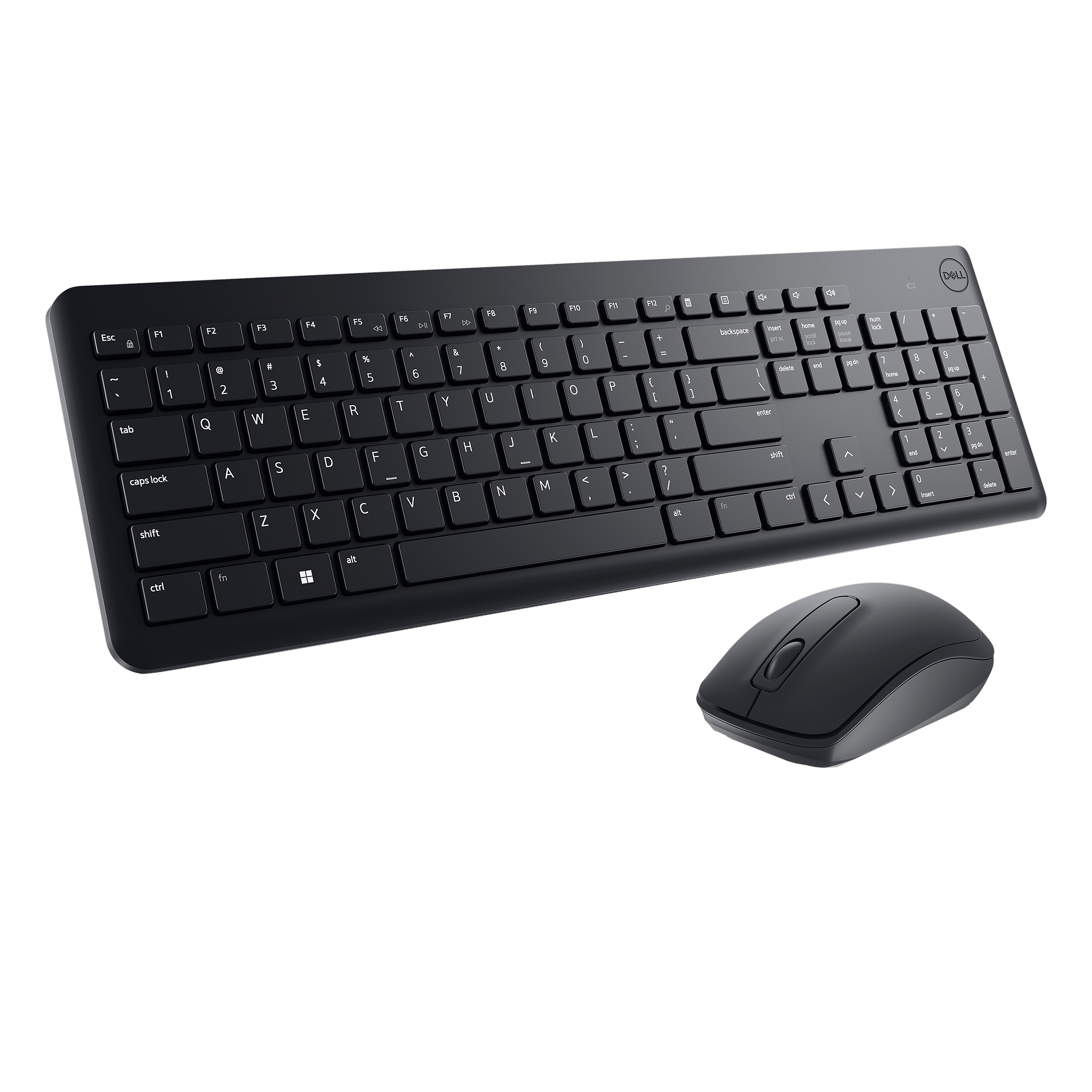
This wireless keyboard and mouse combo from Dell features 128-bit advanced encryption standard, which keeps your information secure. The mouse is also very straightforward with a simple three-button combo that includes a scroll wheel. In terms of battery life, you’re pretty settled. The keyboard is said to offer 36 months of battery life, while the mouse offers 18 months of life.


