

ASUS is catering to a wide variety of audiences through its VivoBook laptop lineup, which includes devices ranging from budget machines to high-end premium workhorses. The VivoBook Go 14 has been placed at the former and is priced at Rs 42,990. It is also one of the first devices in the Indian market to run AMD’s Ryzen 7000 series CPUs. I have been using the laptop for some time now and here I am sharing its features.
low
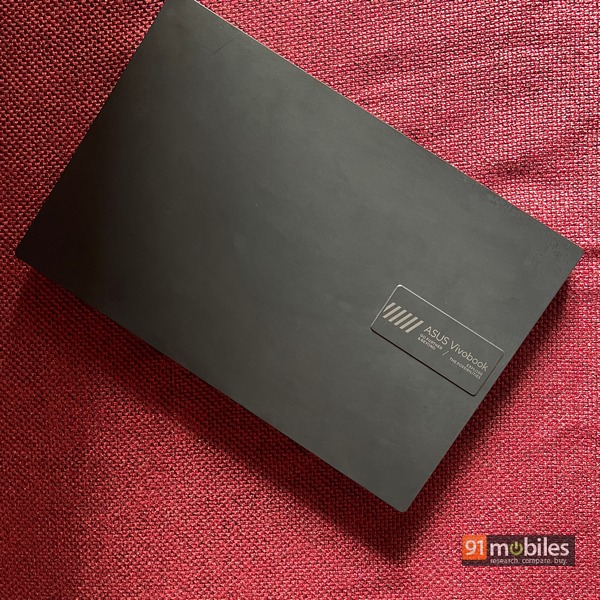
- In terms of its overall build, the laptop isn’t the most attractive or premium looking device out there. However, looking at the budget segment, the VivoBook Go takes care of most of the requirements. The chassis has a sturdy build and a dark gray color that brings out the keyboard’s white font. In fact, ASUS has provided the VivoBook Go 14 with MIL-STD 810H military-grade certification for durability in challenging environments.
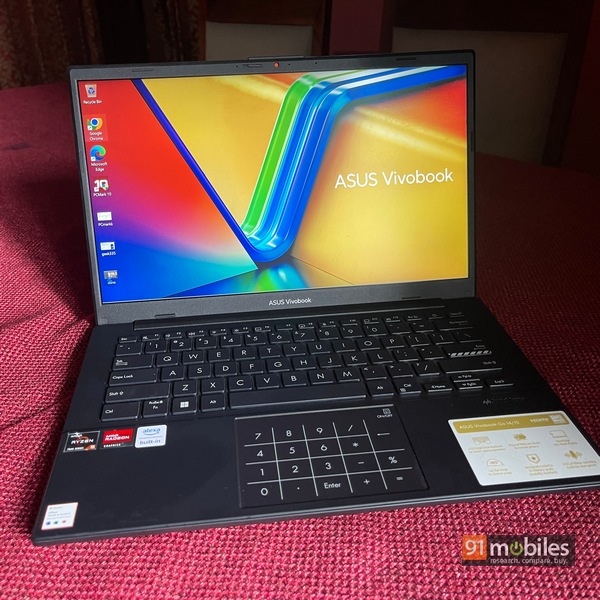
- As for portability, there can be no complaints with the device weighing 1.38kg and 17.9mm thick. The 14-inch screen size also contributes to its compact size and makes the laptop easily slide inside my backpack. Also, the hinge is relatively firm in its upright position but you’ll need two hands to open the lid without lifting the base. The top edge houses a webcam and a physical slider to block it for privacy purposes.
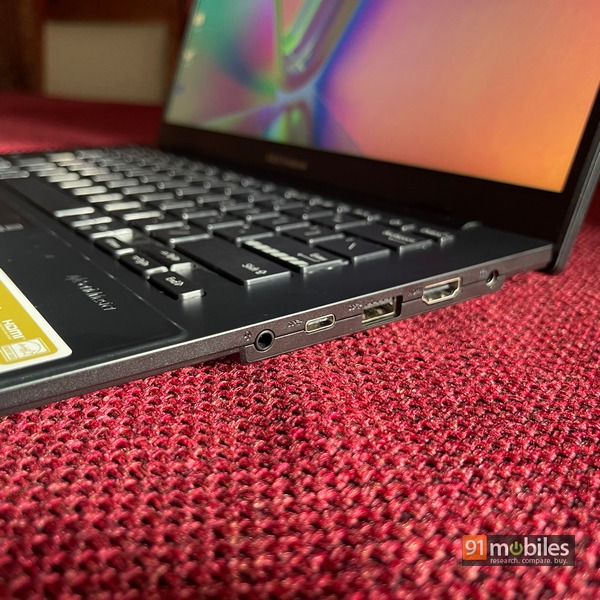
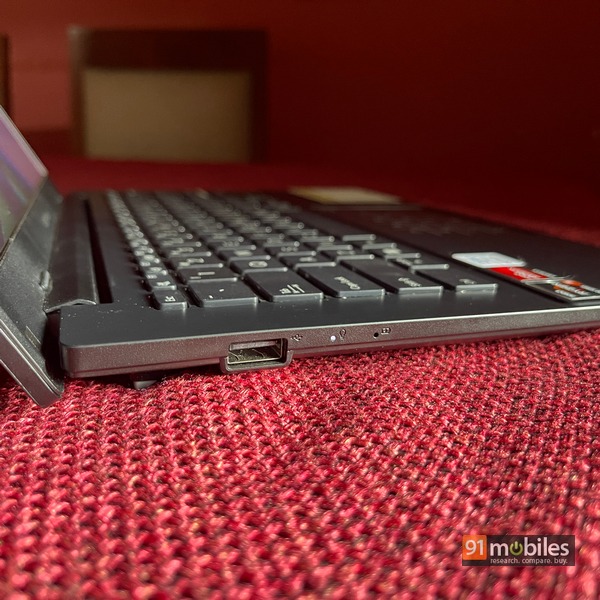
- Talking about ports, a single USB 3.2 Type-C port is present on the right side along with a Type-A slot using the same USB 3.2 standard. There’s an HDMI 1.4 slot on the same side along with a 3.5mm headphone jack while there’s a lone USB 2.0 Type-A port on the left. For wireless connectivity, you get Wi-Fi 6E and Bluetooth 5 options.
- The display itself is not the greatest considering the price but it gets the job done. You get a 14-inch IPS LCD panel with anti-glare coating and up to 250 nits of peak brightness. I wouldn’t recommend watching any visually-rich content on the device as the colors churned out are quite muted. For general video consumption on platforms like YouTube, the VivoBook Go will serve your needs well. There is also an OLED version of the device if you want to spend a bit more money.
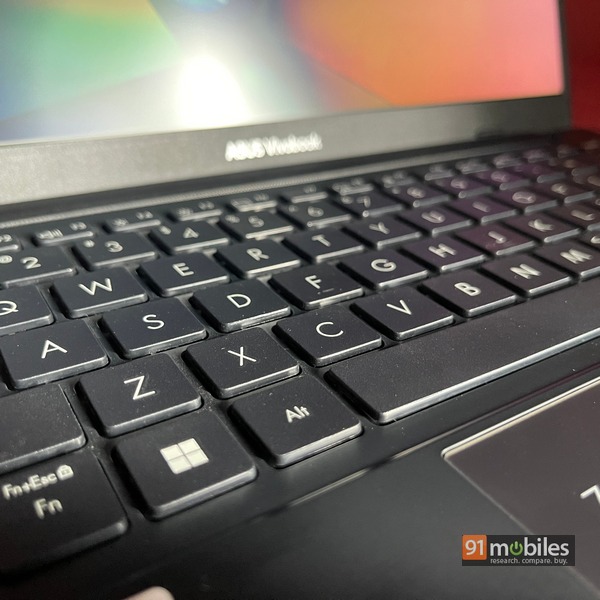
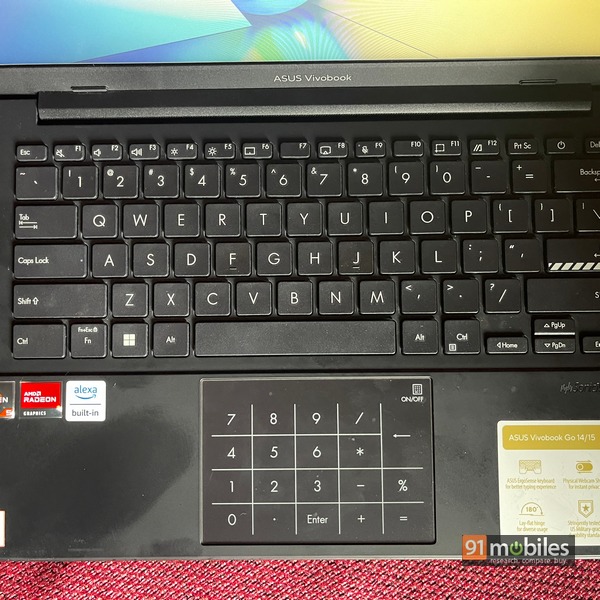
- Now coming to the keyboard, the device has a standard six-row chiclet-style layout which is compact considering the laptop’s screen size. Also, there is no backlighting available which would make typing difficult in low light conditions. Other than that the keys have visibly shallow travel and the feedback is pretty average.
- The trackpad has decent latency and response, although the numpad it’s on is a bit jittery. In my opinion, this functionality could have been abandoned in favor of a clean look at the device. However, the numpad works effectively where it’s needed.
- In the performance department, the VivoBook Go has you covered with the new AMD Ryzen 5 7520U chipset. The device put up reasonably good numbers in benchmarking applications like Geekbench 5 and Cinebench R23. However, it’s not advised to put too much emphasis on the laptop, and instead, use it primarily with standard Chrome browsing and other Microsoft Office tools. There was some lag when I opened upwards of 20 Chrome tabs in two windows. Still, with normal use it’s not likely to hinder everyday work.

- There’s also 8GB of DDR5 RAM and 512GB PCIe Gen 3 SSD, which I think is more than enough for the price. Graphics are supplied by AMD’s integrated Radeon GPU, which can run a greater number of titles cs:go On medium to low graphics. Also, there are dual speakers at the bottom which can get pretty loud but clearly lack the clarity for a decent audio experience.
- The AMD chips are pretty powerful, and you can apply the same expectation to the VivoBook Go’s battery life. There’s a 42Whr battery inside that can be charged at 45W using the portable charging brick provided inside the box. During my usage, I got 5 hours of screen-on time on the laptop, which I think is sufficient for the price of the device. Charging a cell from 10 to 100 percent can take up to two hours.
Decision
The budget segment in the laptop world has remained largely unchanged apart from a few year-over-year iterations. However, the VivoBook Go definitely gets a makeover in design and performance, making it one of the better sub-Rs 50,000 offerings in the market. AMD’s latest processor, rugged design and highly portable form factor all add to the allure of the VivoBook Go.
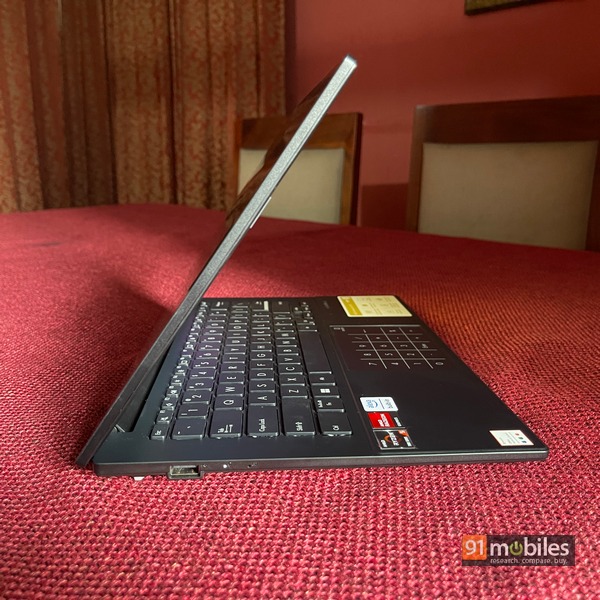
Of course, there are some things that could have made it better, such as the inclusion of keyboard backlighting and the removal of the numpad from the trackpad. Still, as an overall package the VivoBook Go is designed to be a reliable workhorse for an audience that doesn’t want to pay a premium.
Editor’s rating: 3.5 / 5
Pros:
- well made
- good performance for the price
- portable
- decent battery life
Shortcoming:
- no backlighting
- numpad implementation is gimmicky


