

Microsoft has started rolling out Phone Link for iOS to all Windows 11 users around the world. Since it’s just been released, users should start seeing the feature on their PCs in the coming weeks, and it should be available to everyone by mid-May. Similar to Phone Link for Android, iPhone users will now be able to access their device’s features on a Windows PC.
Phone link for iOS features
The feature essentially allows iPhone users to answer calls, reply to messages, and access contacts from their PC and without checking their phone. And of course, you will be able to use iMessage as well but in a limited way.
How to use Phone Link for iOS
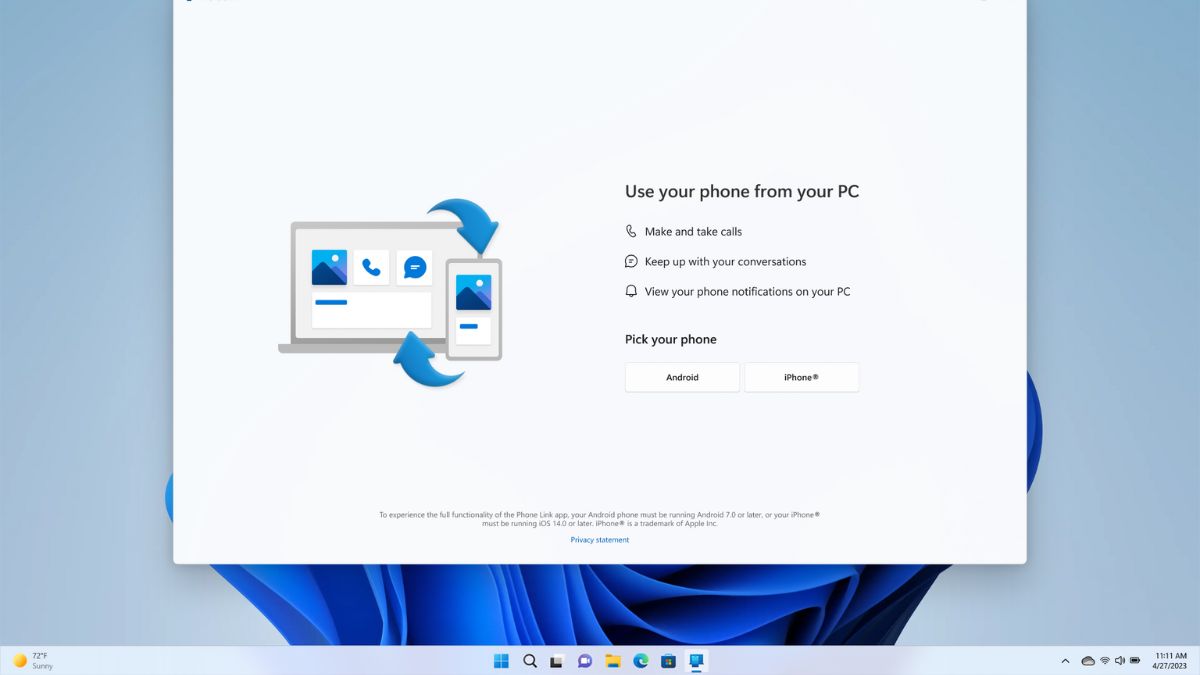
First, you’ll need iOS 14 or higher, an iPhone, a Windows 11 PC, Bluetooth connectivity, and the latest version of the Phone Link app. You can check whether this feature is available on your Windows PC by typing ‘phone link’ in the search box available in the taskbar. Once it’s available, a pop-up screen will explain what Phone Link is. Here, you need to choose whether you want to connect Android or iOS phone to your Windows PC.
So your iPhone must always be connected to Windows PC via Bluetooth to use Phone Link features. Also, Phone Link only supports iOS and not iPadOS. iMessage support on Phone Link also comes with limitations as you cannot share photos or videos, and access group chats on Phone Link. The limits are due to iOS, and there’s no word on whether it will be relaxed in the future. But for now you can enjoy the basic features on Phone Link for iOS.


