


WhatsApp has added a bunch of new security features that are said to enhance security for user accounts on the platform. New features include account verification, device verification, and automatic security codes.
account protect
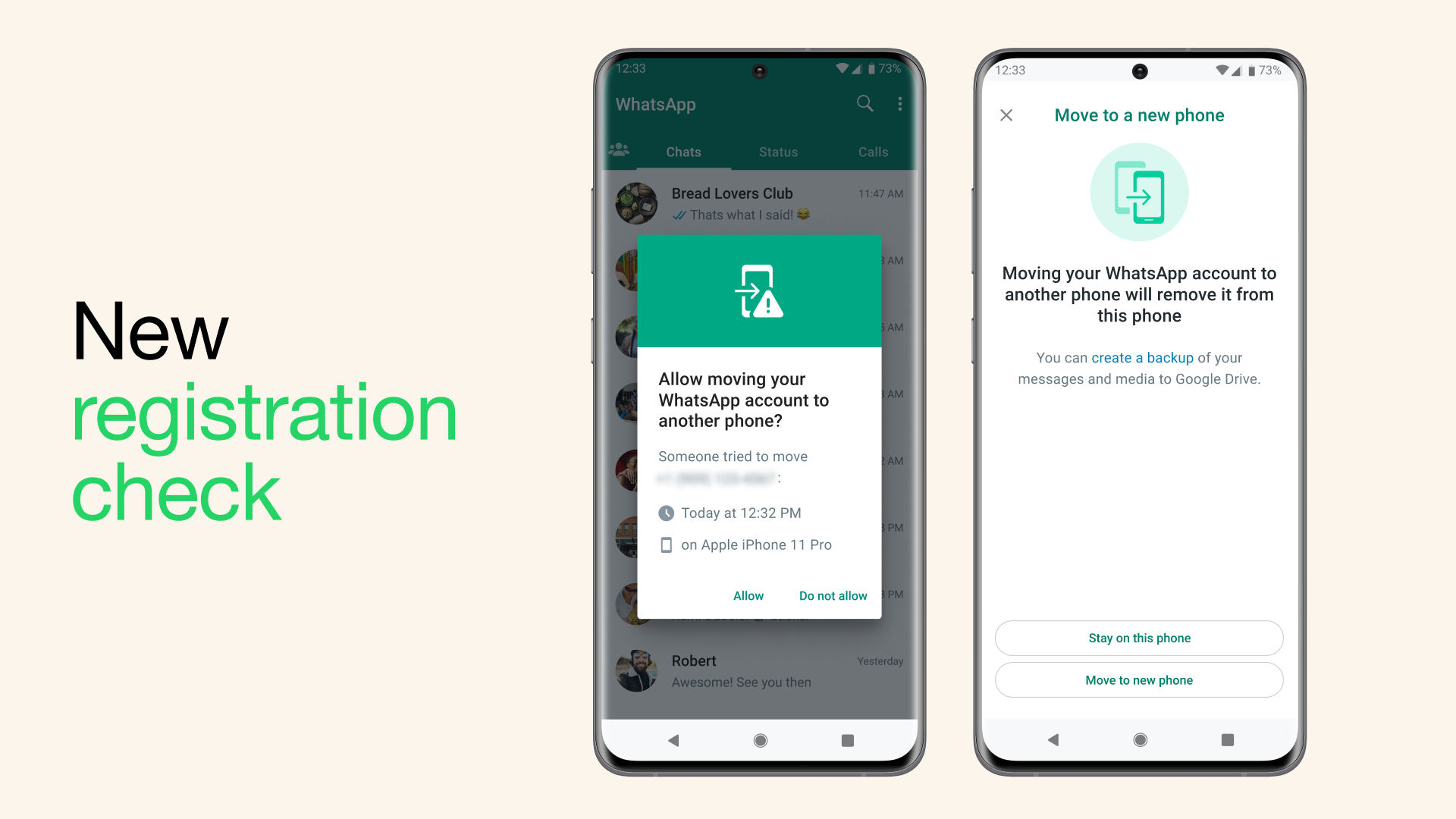
WhatsApp lets you switch your account on different devices. This new feature will essentially check whether the person changing the account is actually you or not. So if you’re switching from an old device to a new one, you’ll be asked on your old device to verify that it’s really you and not someone else. When this feature is activated there will be a pop-up screen with the details of your account change, and whether you choose to allow it or not.
device verification
WhatsApp has also added a new device verification tool that is designed to help prevent devices from becoming infected with malware. Its purpose is to protect the authentication key which basically allows the WhatsApp client to connect to the origin server for a trusted connection. But if the device is infected with malware the authentication key can be stolen and hackers can gain access to the user’s account to send spam, phishing messages and more.
Device verification aims to solve this problem by identifying any such activity. It is a built-in tool and does not require any action from outside users.
automatic security code
WhatsApp messages, calls and videos are all end-to-end encrypted. It also has this option so that you can verify whether your chat is secure or not. You can do this by opening the chat and selecting the ‘Encryption’ option. WhatsApp is now rolling out a feature called “Key Transparency” that will help users automatically verify that the connection is secure. This can be found under the Encryption tab of WhatsApp conversations.


